

You open Google Search Console and there it is: “Crawled – currently not indexed.” Google visited your page—and then did not add it to the index.
No useful explanation. No obvious error. Just a page that does not exist as far as searchers are concerned. So you refresh, resubmit, wait and see nothing change.
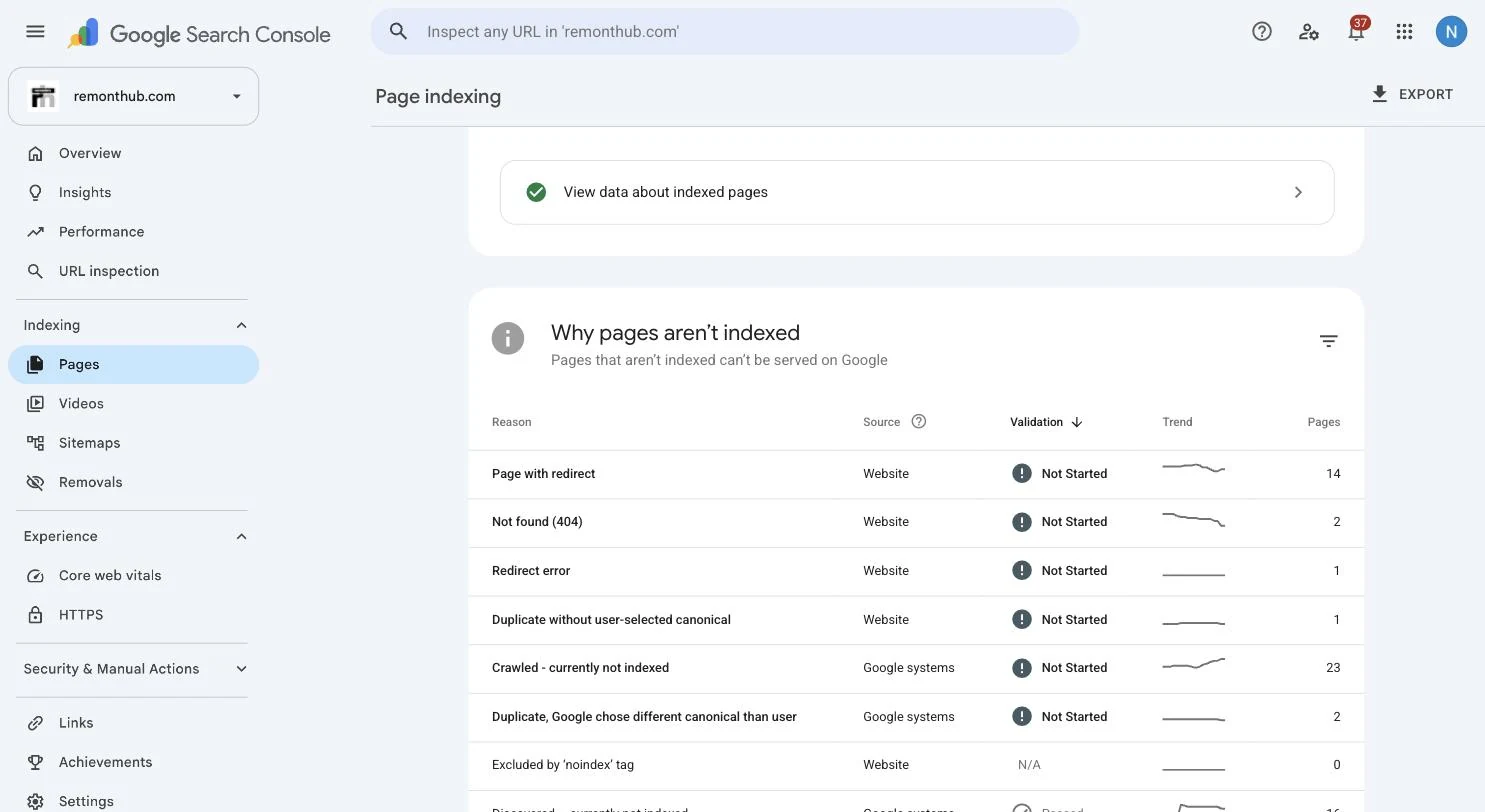
We know the feeling because we had 23 pages in this exact group on our own site. We are a digital marketing agency, and Google had quietly left a quarter of our pages out of its index. Here is what we found when we stopped resubmitting and investigated the pages themselves.
What “Crawled – currently not indexed” actually means
Google’s official Page indexing documentation gives a deliberately narrow definition: Google crawled the page but did not index it. The page may or may not be indexed later, and Google says there is no need to resubmit it just because this status appears.
Google reached the URL
The crawler visited the page, but the page is not currently in Google’s searchable index.
One universal cause
The label alone does not say whether the issue is thin content, duplication, rendering, site signals or simply timing.
Search Console normally reports explicit blocks such as noindex, robots.txt restrictions and canonical duplicates under their own labels. Still, reports can lag. Inspect the live URL once before treating content as the cause. If Google has not crawled the page at all, you are dealing with a different status: “Discovered – currently not indexed.”
The uncomfortable truth we found on our own site
When we investigated the 23 affected pages, the pattern was immediate. Seventeen were portfolio pages with a heading, several images and not one sentence explaining the work.
We had built them for humans to glance at—visual, image-heavy and almost wordless. But neither a visitor nor a search engine could tell who the work was for, what problem we solved or why the page was different from the other portfolio entries.
A redesign can create thin pages at scale—see our redesign SEO checklist.
That is our evidence, not a universal translation of the Search Console label. On another site, the cause can be duplication, rendered content that differs from what you see, weak internal discovery or a page that is simply too new.
Five likely reasons Google crawls a page but does not index it
Start with evidence from the affected URLs rather than guessing from the label.
1. The page is thin or has little meaningful text
This was our cause. Image-only portfolios, near-empty category pages and short pages that never explain their subject give Google very little to process. Add information a real visitor needs—not filler written to reach a word count.
2. It is too similar to another page
Product variants, templated location pages and repeated service copy may technically be different URLs while offering almost the same content. Google may index one version and leave weaker alternatives out. Consolidate pages that do not deserve independent search demand and use canonical signals consistently.
3. The page adds nothing distinctive
Original wording is not the same as original value. If stronger pages already answer the question with examples, evidence and clear next steps, a generic summary may not earn inclusion. Google’s people-first content guidance asks whether a page provides original information and substantial value beyond the obvious.
4. The site sends weak importance signals
A page buried outside the main navigation with no relevant internal links looks unimportant. Newer sites also give Google less history for prioritising borderline pages. Link valuable URLs from related, established pages and remove dead-end content that dilutes the site’s purpose.
5. The page is genuinely new
Sometimes the page needs time. Google says the URL may still be indexed in the future. If a useful page is only days old, confirm the live render and internal links, then monitor it before rebuilding everything.
Diagnose before you rewrite
| What you find | Likely issue | Best next move |
|---|---|---|
| Rendered page is empty, broken or missing key copy | Rendering or access problem | Fix the delivered HTML/resources and retest the live URL |
| Several URLs answer the same need | Duplication or unclear canonical | Merge, redirect or clarify the canonical version |
| Page has images but almost no explanation | Thin or unclear content | Add original context, decisions, process and outcomes |
| Useful page has no internal links | Weak importance signals | Link it from relevant navigation and established pages |
| Strong page is only a few days old | Normal indexing delay | Wait and monitor before making unnecessary changes |
How we actually fixed it
There was no indexing trick. We gave the pages a reason to deserve their own URLs.
- Added useful context: portfolio pages gained 150–300 genuinely relevant words explaining the client, problem, work and result.
- Consolidated overlap: near-identical pages were merged, redirected or canonicalised instead of competing as clones.
- Clarified each page’s purpose: every page had to answer a distinct visitor need rather than exist because a template allowed it.
- Strengthened internal links: important pages received descriptive links from relevant, established sections.
- Requested indexing once: only after a meaningful improvement, not as a substitute for one.
If the problem spans your templates, navigation and page structure, our website design and development team can fix the content and technical foundation together.
The payoff was visible: after the cleanup, we published a genuinely useful new article and Google indexed it the same day. That result is our experience, not a promise—but it proved this site could move quickly once a page cleared the bar.
The mistakes that waste your time
Do not repeatedly click Request indexing. Google says repeated recrawl requests for the same URL do not make crawling faster.
Do not add filler to reach a word count. Three hundred words that say nothing are still nothing.
Do not assume every affected URL should be saved. Merge, redirect or remove pages that do not deserve a separate place in search.
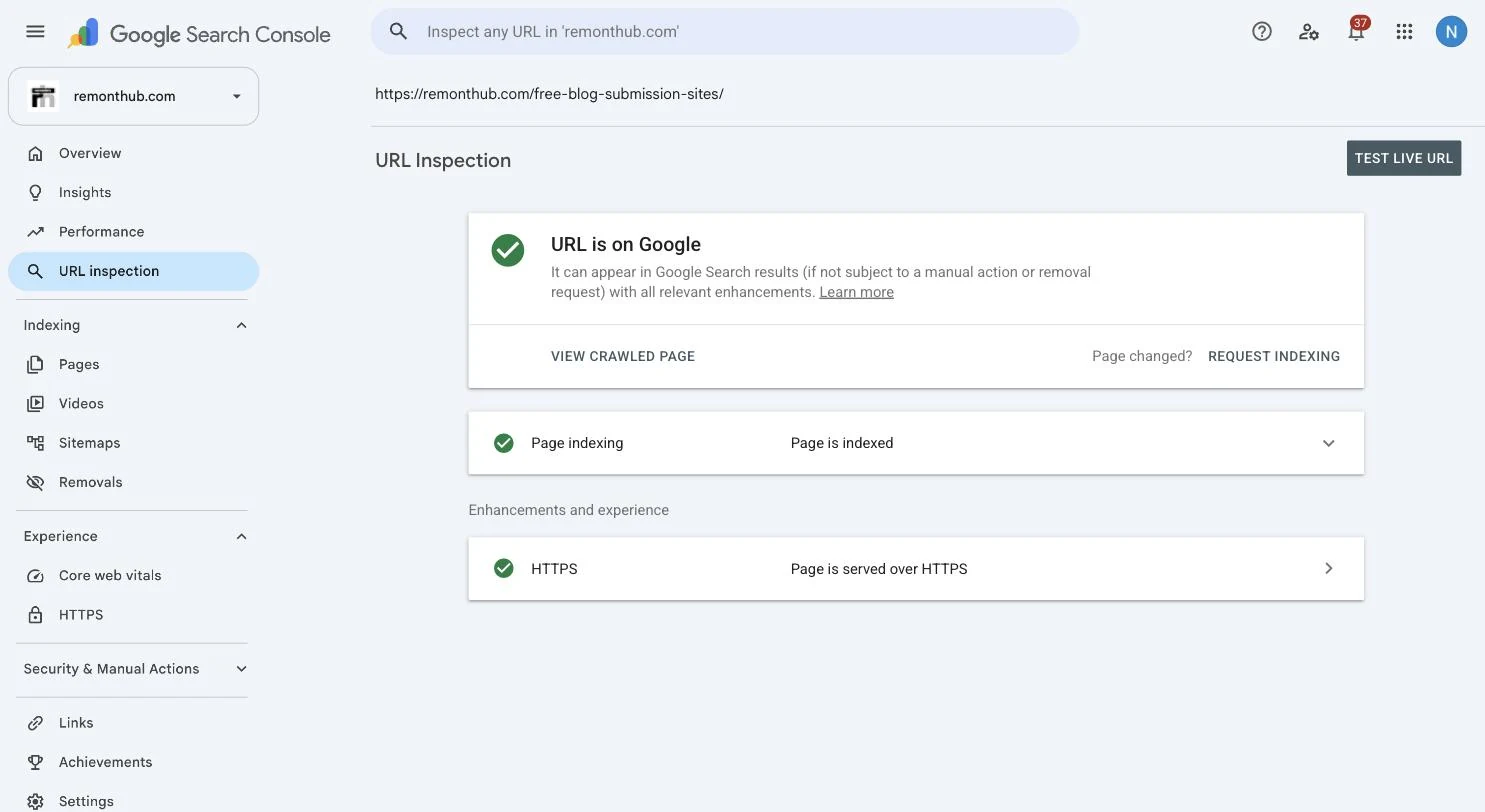
Do not skip the live inspection. A rendering or canonical problem can look like a content problem if you only read the status label.
Google recommends using recrawl requests after important changes and says submitting the same URL repeatedly will not speed the process. Fix first, then use URL Inspection to request a recrawl once.
Questions we get a lot
What does “Crawled – currently not indexed” mean?
Google crawled the URL but has not added it to the index. The status does not identify one universal cause, and Google says the page may or may not be indexed later. Check whether the page should be indexed, then investigate its rendered content, uniqueness, usefulness, canonical signals and internal links.
How do I fix “Crawled – currently not indexed”?
First inspect the live URL and confirm it is accessible, indexable and self-canonical. Then improve thin or generic pages with original, useful information; consolidate near-duplicates; and link important pages from relevant parts of the site. Request indexing once after a meaningful change rather than repeatedly submitting an unchanged URL.
How long does indexing take after I improve the page?
There is no guaranteed timetable. Google says indexing can take from several days to several weeks, and inclusion is not guaranteed. Our useful new article indexed the same day after our cleanup, but a new or low-authority site can take longer.
Is “Crawled – currently not indexed” a penalty?
No. The status is not a manual action or proof of a penalty. It only reports that Google crawled the URL and has not indexed it. Search Console reports manual actions separately.
My page is indexed but still does not rank—is that the same problem?
No. An indexed page is eligible to appear and has moved to the ranking stage. If it remains hard to find, investigate search intent, content usefulness, competition, internal links and authority rather than indexing.